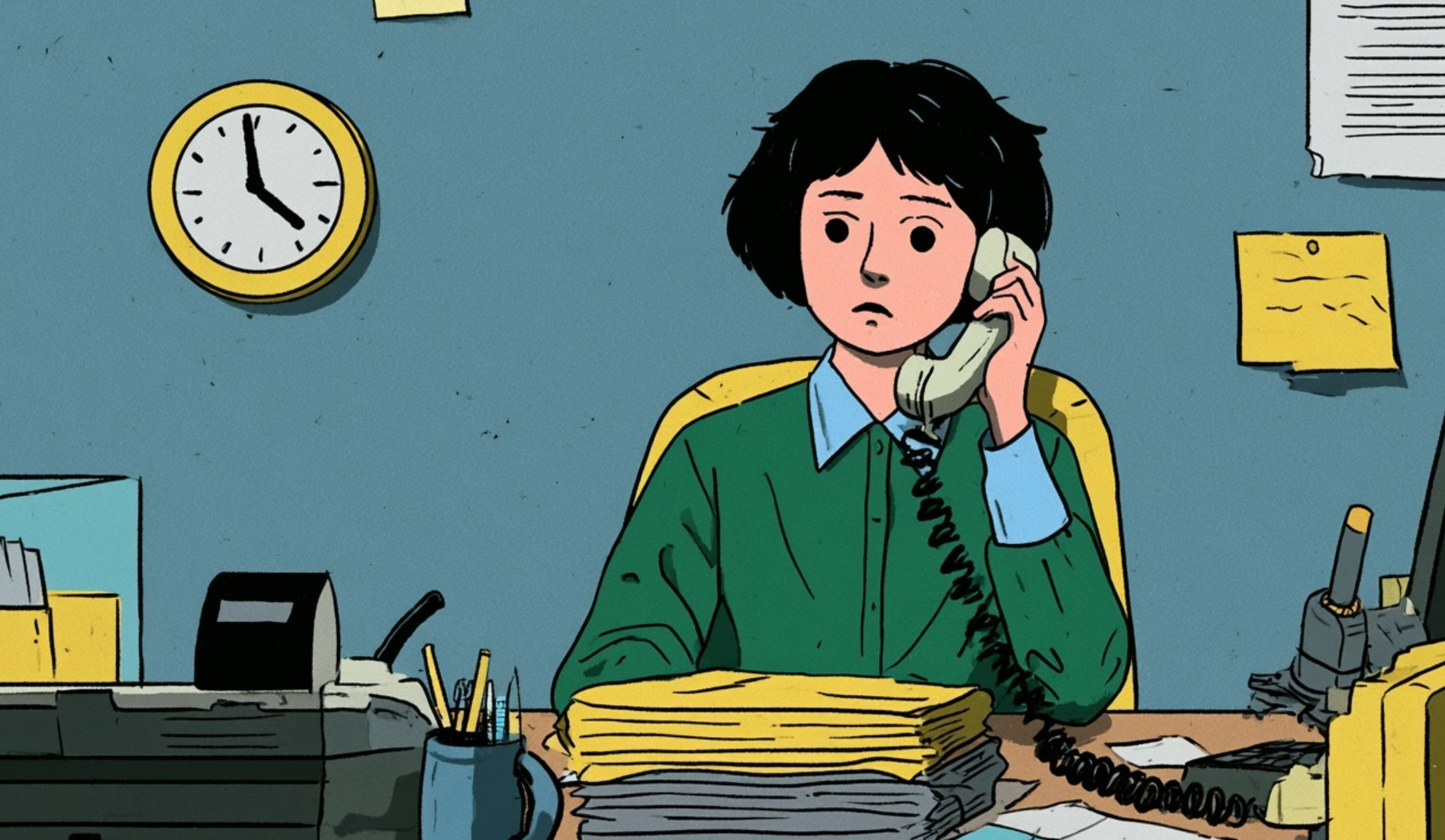
It's 4:45 on a Friday and there it is in your inbox: "Hi, just checking where things are up to?"
It's a perfectly reasonable question. It's also the fourth time this week, from the fourth different client, and answering it means digging through a project folder, a mail thread and someone else's memory. Your clients aren't being difficult. They just can't see anything. And when clients can't see anything, they email.
That, in a nutshell, is the case for a client portal. But it's worth saying early: a portal done badly is just another password protecting a page nobody visits. The difference between the two is what you build it around.
"We need a portal" is not a requirement. It's a symptom. The requirement hides in the moments when a client lacks visibility or has to wait for a routine action from your staff: documents scattered across long email chains, the third request this month for "the latest version", an approval that lives in somebody's sent items.
A genuinely useful first portal might let a client:
Every feature should remove a wait or an uncertainty. If it just moves one of your internal screens onto the internet, it hasn't been designed around the client. It's been designed around you.
Here's the technical decision that quietly decides whether your portal gets trusted: what the client sees should be a live window onto the same records your staff work with, not a copied snapshot that goes stale the moment someone updates the real system.
That doesn't mean showing them everything. Internal notes, margins and the honest comment a colleague left at 6pm have no business in the client's view. The design work is deciding which system owns each record, and which parts of it are exposed. Client submissions might land in a review state rather than changing your operational data directly; staff actions might trigger a carefully worded client update. That boundary protects both sides.
Nobody gets excited about identity, permissions and password resets. Your clients will judge the whole portal on them.
Who in the client's organisation can see what? What happens when their project manager leaves? Can someone reset their own access at 7pm on a Friday, or does it wait for your Monday? Is there an audit trail showing who approved that drawing and when? These questions are the difference between a portal your clients rely on and one they politely ignore while carrying on emailing you.
We built a portal along these lines for Darkin Architects. Their clients log in, see the files relating to their own project, and get notified when something changes. Nothing dramatic. But the "just checking in" emails largely stopped, because the answer is on screen before the question forms.
That's the measure of a good portal, honestly. Not features. Silence.
One caution before you draw up a wish list: self-service should absorb the routine, not replace the conversations that matter. We've written about where automation helps and where people matter most, and portals sit squarely inside that trade-off. Let the portal answer "where's my file?" so your team has time for "what should we do next?".
If your inbox is full of questions a screen could answer, a web application or client portal built around your records might be one of the highest-value pieces of bespoke software you ever commission.



We're proud to have been recognised as Wales' Most Trusted Web Design & Development Company for 2025. This award reflects our commitment to delivering exceptional digital solutions and outstanding client service that sets the standard for excellence.