You've tried asking AI to rewrite an email. It's useful, but you still have to find the information, copy it across and decide where the result belongs.
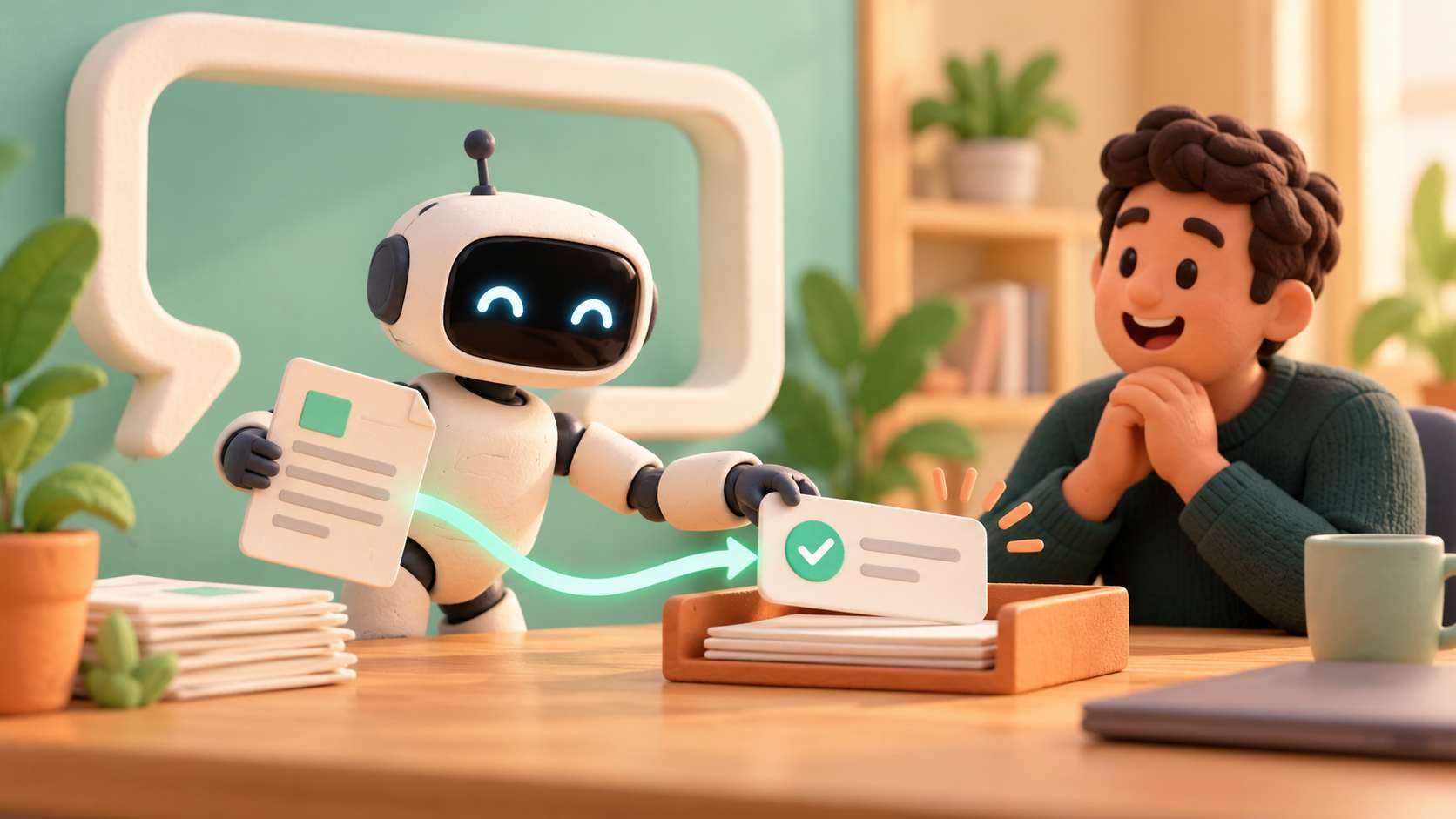
Now picture the answer appearing where you're working, the meeting actions ready to review, or a missing handover detail flagged before your colleague leaves. Those are useful reasons to connect AI to everyday work, beyond opening another chat window.
You need the current procedure for handling a damaged delivery. The answer is somewhere among your documents, but so are two superseded versions.
An assistant could search approved information, explain the relevant passage and let you open the source. That is different from asking a general model what your company does. The information must be supplied through a controlled lookup.
You get a shorter route from a question to the relevant passage, with the document available to check. The assistant searches material you are entitled to see and asks for help when it cannot find an answer.
Try ordinary search first. If clear folder names and a current procedure list solve the problem, you don't need an AI project.
You finish a call with useful decisions, then spend another stretch of your day turning notes into tasks. AI could propose a summary, actions and unanswered questions for you to review.
Keep proposed actions separate from agreed ones. If nobody accepted a deadline, the software shouldn't create one because the list looks incomplete. You should be able to check the source note and correct the proposed wording before a task reaches someone else's list.
The useful result is a short list you can agree while the conversation is still fresh. A date suggested by your customer stays a proposal until you accept it, and unanswered questions stay visible for follow-up.
If you record or transcribe a meeting, consider privacy, transparency and your responsibilities before introducing the tool. Don't send a confidential conversation to a provider merely because the feature is convenient. The ICO's data-minimisation guidance is a useful starting point for deciding what information is actually needed.
Your colleague is passing over a job. You have a progress note, but not the customer's decision on the revised delivery arrangement.
AI can compare the note with a short checklist and suggest what's missing. Fixed rules should check fixed fields: a job without a named owner doesn't need language interpretation to identify the gap.
The useful result is a question, not an invented answer. You want the system to flag the missing agreement, then let a person resolve it. This builds on mapping the handovers in your workflow.
We judge an AI addition by the work it removes from your day, including the checking it creates. Time the whole task before and after a trial. Our AI integration work connects assistance to the place it is needed, rather than giving you another tool to keep up with.
What would you like to have ready when a call ends? That is a useful conversation to have with us.



We're proud to have been recognised as Wales' Most Trusted Web Design & Development Company for 2025. This award reflects our commitment to delivering exceptional digital solutions and outstanding client service that sets the standard for excellence.