Your visitor knows what they need. They just don't know what you call it. They try the menu, search using their own words and give up when neither leads anywhere useful.
Help at that moment could give your visitor a useful answer and you a better enquiry. The opportunity is in understanding what they're trying to do, whether that needs AI or a clearer route through the website.
Your catalogue might describe a replacement part by its technical name. Your customer describes what it connects to, or the piece that broke. An AI-assisted search can interpret that description and propose relevant items from your actual catalogue.
Your stock system supplies availability, and your product records supply specifications. AI helps your customer reach those facts through an everyday description; the records remain the authority on what fits.
You can start by testing real search phrases against a small catalogue. If synonyms and better filters solve them, keep the simpler option. The same principle applies when your visitors describe a service differently from your navigation.
A customer sends six paragraphs about their situation. You need to know which service they need, where the work is and whether a particular date matters.
AI can propose a short summary and category for the person replying. Keep the original message beside it, and leave anything uncertain visible. Your customer shouldn't be rejected because their wording landed in the wrong category.
This is a useful extension of a properly organised enquiry workflow. It isn't a reason to make your contact form longer or hide your phone number.
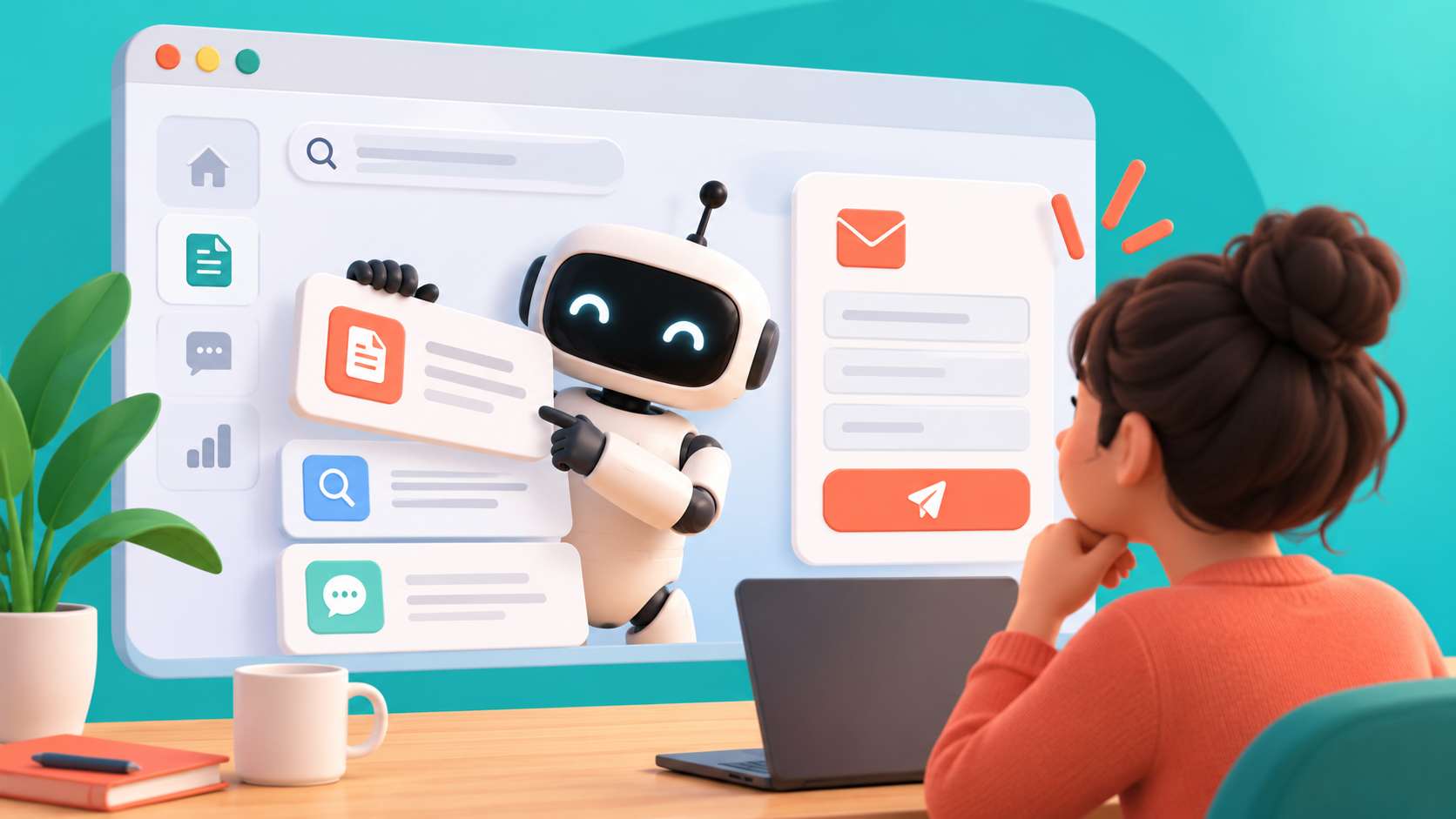
Suppose your service needs information customers don't understand immediately. A short assistant could explain a question using your approved guidance, then let them return to the form.
It shouldn't decide what they meant and submit an application without showing them. Your customer remains responsible for checking their answers, and your software must still validate the information it receives.
Keep ordinary labels and instructions. W3C's guidance on labelling form controls is relevant whether you add AI or not. An assistant is an extra route to help, not a replacement for an accessible form.
Your visitor wants to know what to bring, which documents you accept or how a particular service works. An assistant can look up relevant approved material and explain it, with a link to the source.
That approach is called retrieval-augmented generation: the software finds information before preparing an answer. Microsoft explains the search-and-answer pattern. It doesn't make the answer infallible, so you still need tests and a clear route to a person.
If you have five short answers that rarely change, publish five good answers. You don't need AI to tell someone your opening hours.
We think website AI should earn its place through a task becoming easier. Can your customer find the correct service? Can you check an enquiry summary quickly? Does the explanation help someone finish the form? A clearer heading may be the whole answer, and you don't need an assistant for that.
Then test awkward wording, missing information and requests outside its scope. Our automation and AI work starts with that useful boundary, not a requirement to put AI everywhere.
Choose a customer task before choosing a tool. We can help you explore a useful addition to your website, whether it involves AI or something simpler.



We're proud to have been recognised as Wales' Most Trusted Web Design & Development Company for 2025. This award reflects our commitment to delivering exceptional digital solutions and outstanding client service that sets the standard for excellence.